Missed-call texts and review requests before spring
What to automate in your CRM before the spring rush: the missed-call text, the review request, and the parts of both a person should still handle.
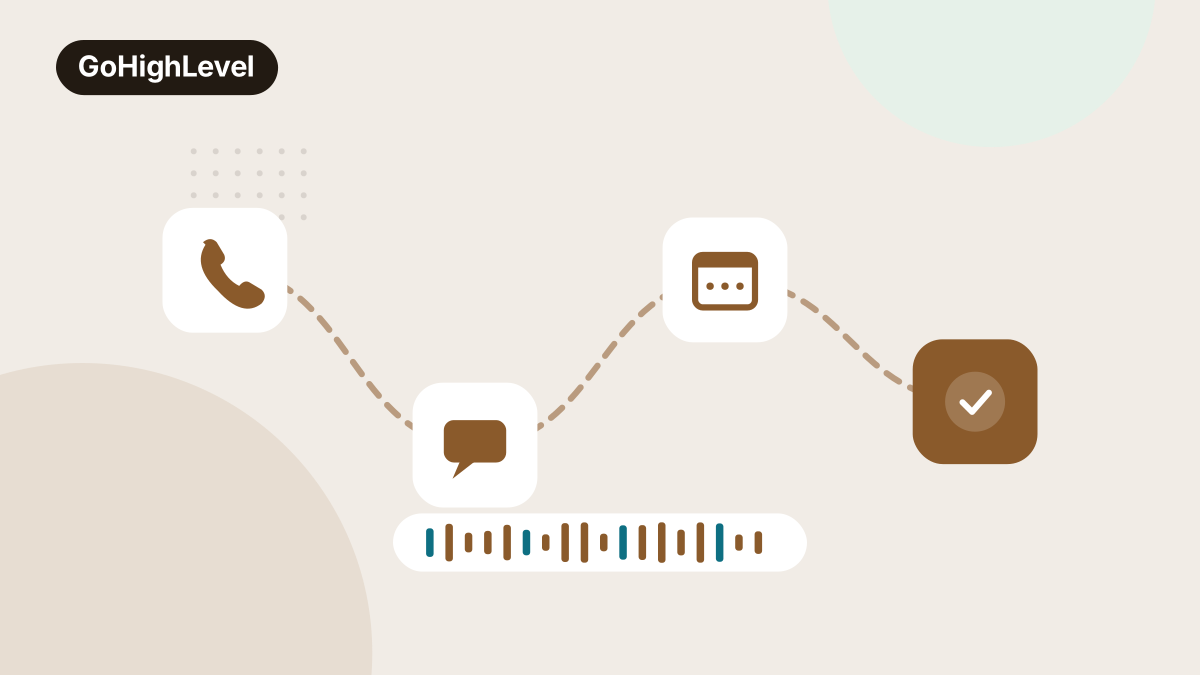
Every January somebody on a client call says the same thing: we will sort out the phones before it gets busy. Then March arrives, the trucks are out from seven until dark, and the phones get sorted out in June, after the season that needed them.
January is the month to do it instead. The work is small, it lives in the CRM, and it is far easier to build and test while the phone is quiet enough that a mistake costs nothing. We are spending most of January 2022 building two automations for clients whose year is decided between March and June: a text that goes out when a call is missed, and a review request that goes out when a job is done. Both are simple. Both are easy to get slightly wrong. And both have a part that should stay with a person.
Why these two, and why before March
A missed call from a new customer is the most expensive thing that happens in a local business, and it happens without a sound. The caller rarely leaves a voicemail. They go back to the search results and call the next name. By the time anyone looks at the missed call list, that customer has booked somebody else.
Reviews are the other end of the same pipe. The businesses that get the calls in April are the ones with recent, specific reviews in March. A review program that only runs when the office remembers stops running the week the office gets busy, which is exactly when the most customers are finishing jobs.
Build them in January and February is your chance to find out what breaks.
The missed-call text, built properly
In the GoHighLevel builds we run, the text back is a workflow triggered by an unanswered call on a number that routes through the CRM. The mechanics take an afternoon. The decisions take longer, so here they are:
- Send from the number they called. A text from an unfamiliar number reads as spam, and a reply to it lands nowhere useful.
- Send within a minute or two. The caller is still holding the phone and still deciding. Twenty minutes later they have moved on.
- Ask a question, not for a callback. “Sorry we missed you, this is Dana at the office. What can we help with?” gets replies. “Please call us back at your convenience” gets silence.
- Say who you are. Business name, plus a first name if a real person will answer. Anonymous texts get ignored or blocked.
- Leave existing customers out of it. Add a filter so someone with an open job, or someone who called five minutes ago, does not get the same text twice in an hour.
- Respect the hours. A missed call at eleven at night should get a text that says when someone will reply, not one that implies a person is sitting by the phone.
One compliance note while you are in there. As of early 2022 carriers have been tightening the rules on business texting from ordinary local numbers, and texting providers are asking businesses to register their brand and use case, the process everyone calls 10DLC. If your provider has sent that email, do it this month. Unregistered traffic is increasingly filtered, and a text back that never arrives is worse than having none, because you believe the gap is covered.
The review request, and the rule that shapes it
The review request should fire off a real event in the CRM: the job moved to complete, the invoice paid, the appointment marked as attended.
Keep it to one message and at most one reminder a few days later. Include the direct review link from your Google Business Profile so it opens straight to the stars. Write it in the voice of the person who did the work rather than a marketing department, and ask the customer to mention what the job was, because those words are what show up when the next customer searches.
The rule that shapes the rest: send it to everyone. It is tempting to build a first step that asks “how did we do?” and passes only the happy customers to Google while the unhappy ones go to a private form. Google’s policies prohibit that kind of selective asking. The complaint you were steering away from is also the one you most needed to hear.
What stays human
Automation is good at the moment of first contact and poor at everything that comes after it. This is the list we give every client.
- The reply to the reply. When someone answers the missed-call text, a person picks it up. No automated second message pretending to be a conversation. If nobody will answer texts within the hour on a working day, change the text rather than faking the follow-up.
- Anything about price. A quote question needs someone who knows the work. A canned range sent by a workflow sets an expectation you will be arguing about on site.
- The unhappy customer. If a review request gets a reply saying the job is not finished, the sequence stops and someone calls them the same day. No workflow step matters more.
- The review reply. Replies are read by the next customer. They should be written by someone who remembers the job, even if it is only two sentences.
- The ask in person. The text makes leaving a review easy. The technician or the front desk asking out loud at the end of the job is what makes someone want to.
Test it the way a customer would
Before the season starts, call your own business number from a cell phone and let it ring out. Time how long the text takes to arrive. Reply to it and see where the reply lands and who gets notified. Then mark a test job complete and follow the review link on your phone.
In the builds we audit, this is where the surprises are. The text reply goes to a shared inbox nobody opens. The review link opens the listing but not the review box. The after-hours message fires at two in the afternoon because the time zone was never set. Each of those takes minutes to fix in January and costs real customers in April.
What to do this month
- Pull last spring’s missed calls from your phone system, sorted by hour, so you know which windows the text back needs to cover.
- Build the missed-call text in the CRM, from the number customers call, with a question in it and a filter for open jobs.
- Register your business texting with your provider if they have asked, and confirm messages are actually delivering.
- Trigger the review request from job completion, send it to every customer, and cap it at one reminder.
- Name the person who answers text replies and review replies, and give them a set window each day for both.
- Run the whole test from a cell phone, twice, before the end of February.
None of this needs a new website or a bigger ad budget. It needs the CRM covering the two jobs that slip first when the season starts. If you want it built and tested before March, that is a standard part of our GoHighLevel setups, and the review side feeds directly into the reputation work we run for owners through the busy months.


You made it to the end. Now let's get you more customers.
GoHighLevel Buildouts is part of what we set up and run every day, along with the search, ads and follow-up around it. Tell us about your business and we will send back what to fix first. Platforms change every year, so we will check what still holds for you today.
- A free consult. A real conversation about your business, your area and what is not working yet.
- An honest evaluation. Where you stand in search, ads and follow-up next to the businesses you lose customers to.
- A plan you keep. What we would fix first and why. It is yours whether or not you work with us.
Form not loading? Email hello@beyaoshy.com and we will reply within one business day.