Build client CRMs from one GoHighLevel snapshot
What goes in a GoHighLevel snapshot, what to customize per client, and how to document each account so onboarding repeats and handovers stay clean.
November and December are when agencies sign the clients who want to launch in January. If onboarding at your agency means someone rebuilding a CRM from memory, those two months are when it breaks: three new accounts, three slightly different pipelines, and a follow-up workflow that fires in one account and quietly fails in the other two.
A snapshot fixes most of that. GoHighLevel has let agencies package the setup of one sub-account and load it into new ones for years, and most agency owners we talk to have one. Far fewer have one they trust. Here is how we think about building a snapshot that holds up, what goes into it, what stays out, and the document that should travel with every account you build from it.
Treat the snapshot as a product
The snapshots that go wrong are nearly always copies of a live client account, taken on a busy afternoon because that account happened to be working well. They carry that client’s name in a dozen email templates, a calendar with their opening hours, and a workflow somebody patched at 11pm and never explained.
So we run the snapshot the way you would run anything you sell:
- One owner. A named person decides what goes in and what comes out. Everyone else suggests.
- A clean template account. No client data, no real phone number, no connected ad accounts. The snapshot is taken from there and nowhere else.
- A version number and a changelog. Three lines per release: what changed, why, and whether live accounts need it.
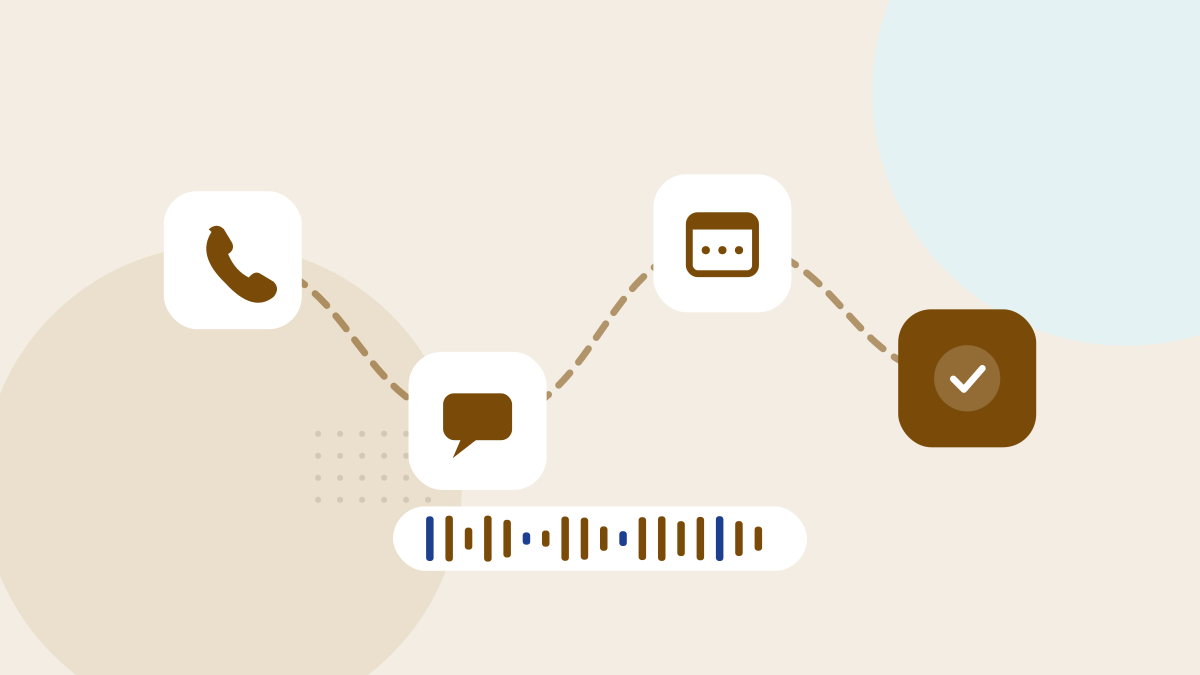
- A test before every release. Load it into a fresh test account and push a fake lead all the way through: form, text, booking, reminder, no-show, review request. If any step needs a manual fix, the snapshot is not ready.
- A naming convention. Workflows numbered by stage, custom fields grouped by purpose, tags in one format. Six months from now, somebody who has never seen the account should be able to read it.
What to standardize
Anything that should mean the same thing in every client account belongs in the snapshot.
- Pipeline stages. Same stages, same definitions, so “booked” and “won” mean one thing in every account and reports can be compared across clients.
- Custom fields for lead source, click ID, service interest and lost reason. These are what make reporting possible later, and they are painful to add after a year of contacts.
- The core workflows. Speed to lead, missed call text back, appointment confirmation and reminders, no-show follow-up, the review request and a simple nurture sequence.
- Custom values in place of anything client-specific. Business name, address, review link, booking link, owner’s first name. Templates reference the custom value, never typed text, so a new account is filled in on one screen instead of forty.
- Consent and opt-out handling. The consent language on forms and the way STOP replies are handled should be identical everywhere, and never left to whoever builds the account that week.
- The reporting dashboard, built on the standard fields and stages above.
What to customize per client
Some things a snapshot cannot carry, and some things it should not.
- The phone number and its 10DLC registration. Each client needs their own number and their own brand and campaign registration under their own legal business name. That takes time, so it starts on day one of onboarding, not the week before launch.
- The email sending domain and its DNS records, set up on the client’s own domain.
- Calendars. Staff, availability, buffers and appointment types are different in every business.
- Integrations. Google Business Profile, the Facebook page, the ad accounts and payments, each connected with logins the client owns.
- The words. Tone, offers and the questions on forms. The structure is standard; the copy is theirs.
- Extra pipeline stages, only when the client’s sales process genuinely differs. A remodeler with a design meeting between estimate and contract gets a stage added. The standard stages keep their names.
- The AI features. Voice AI and the other AI add-ons are switched on per account and metered per account. Treat them as a client decision with its own written scope, not something the snapshot turns on for everybody.
One rule settles most arguments. If you find yourself editing a standard workflow inside a client account, either the change belongs back in the snapshot for everyone, or the workflow becomes a client-specific copy with a different name. Never an edited standard workflow that nobody else knows about.
Rolling changes out to live accounts
The snapshot will change, and the accounts built from older versions will not update themselves. Loading a new version into a live account can create duplicates or overwrite assets the client has customized, so it deserves the same care as any other change to a working system.
We apply a release to one live account first, check it for a week, then roll it out to the rest in a batch, and record in each client’s document which version it now runs. A change that only matters for new clients stays out of live accounts entirely.
The document that travels with the account
Every account gets a short account sheet, filled in at onboarding and kept current. Ours covers:
- The snapshot version it was built from, and the date.
- Every departure from the standard, with a sentence explaining why.
- Each integration, and whose login owns it.
- The phone number, who owns the 10DLC registration, the sending domain and where its DNS is managed.
- A workflow map: what triggers each one, what it does, and who gets notified.
- How to export contacts, conversations and files.
- Open issues and anything promised but not yet built.
That sheet is what makes a handover clean. When a client leaves, brings marketing in house or gets sold, they receive a working system, logins in their own name and a document that explains it. That is how clients who leave still send referrals. It is also what lets a fulfillment partner build to your standard: they work from your snapshot and update your sheet, so the knowledge stays with your agency rather than in someone else’s head.
What to do this month
- Name one owner for the snapshot and give it a version number and a changelog.
- If your current snapshot was copied from a client account, rebuild it in a clean template account before the new year onboardings start.
- Replace every hard-coded name, link and address in your templates with custom values.
- Write the account sheet template and fill it in for your three newest clients.
- Load a fresh copy of the snapshot and run a fake lead through it before the next onboarding call.
- Start 10DLC registration at signature, not at launch.
The agencies that onboard smoothly in January are the ones that did this work in November. It is also how our white-label fulfillment runs: we build to the agency’s own snapshot and leave the account sheet complete, and the GoHighLevel builds we do for local businesses directly follow the same rules.
Written October 31, 2024, and kept as written. Platforms, features and policies mentioned here are described as they stood at the time.

Agencies run client work through us under their own brand.
One team, operating since 2015, does the local SEO, ads, CRM and review work, and the agency keeps the client relationship. See how the partner model works, or get our monthly notes for agency owners.